MyRadar iOS SDK
Put MyRadar's live weather map in your iOS app: animated radar, alerts, lightning, hurricanes and wind in one SwiftUI view.
Oct 9, 2026 · Swift
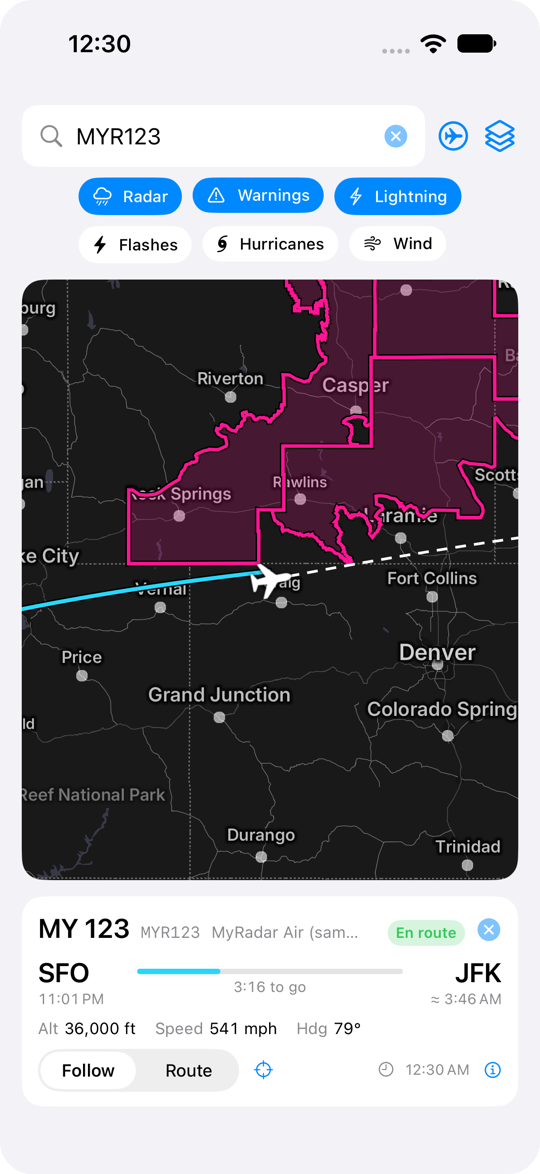
Put MyRadar's live weather map in your app. One view, a few modifiers, and you have animated radar, severe weather alerts, lightning, hurricanes and wind on top of a fast vector base map, with room to draw your own data on top.
What you get#
| Feature | What it does |
|---|---|
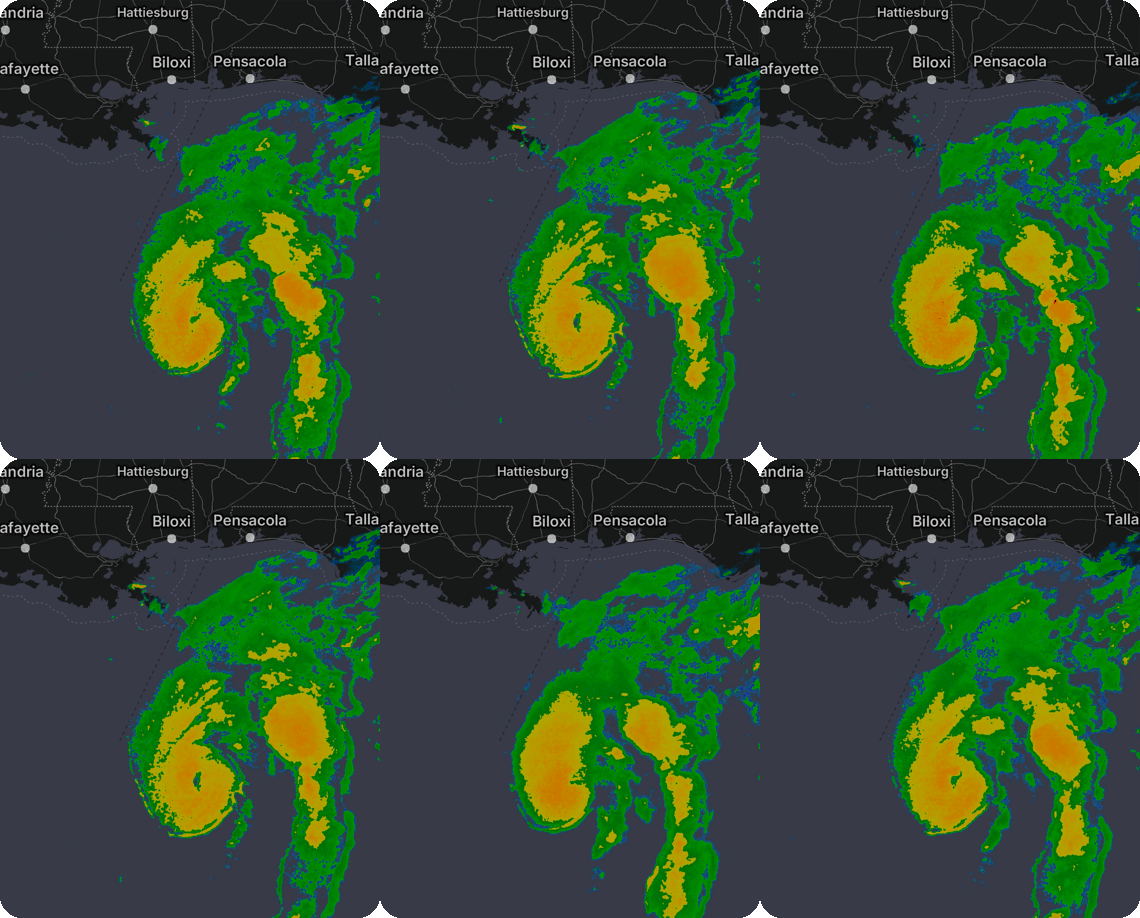
| Animated radar | The same morphing radar as the MyRadar app: a 100-minute loop that interpolates between scans with motion vectors, so storms glide instead of stepping. HD and SD products are also available. |
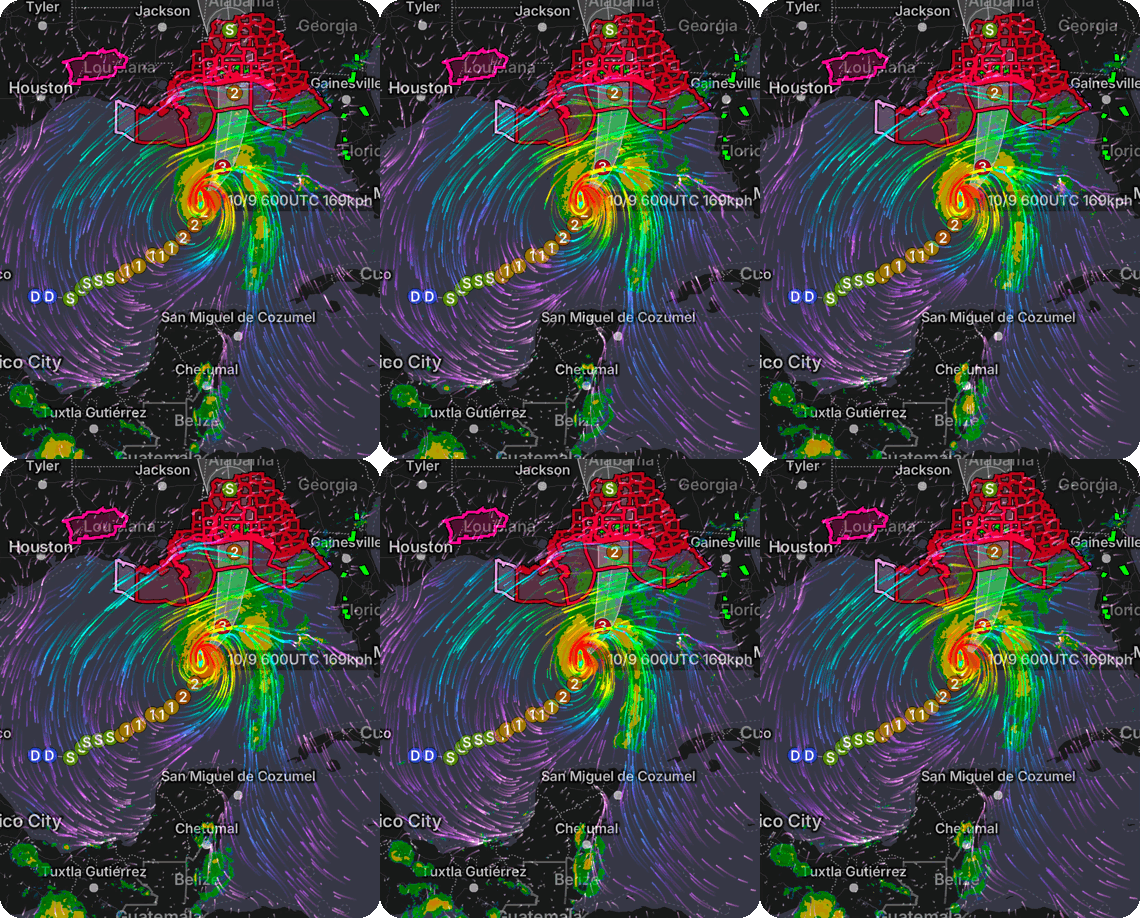
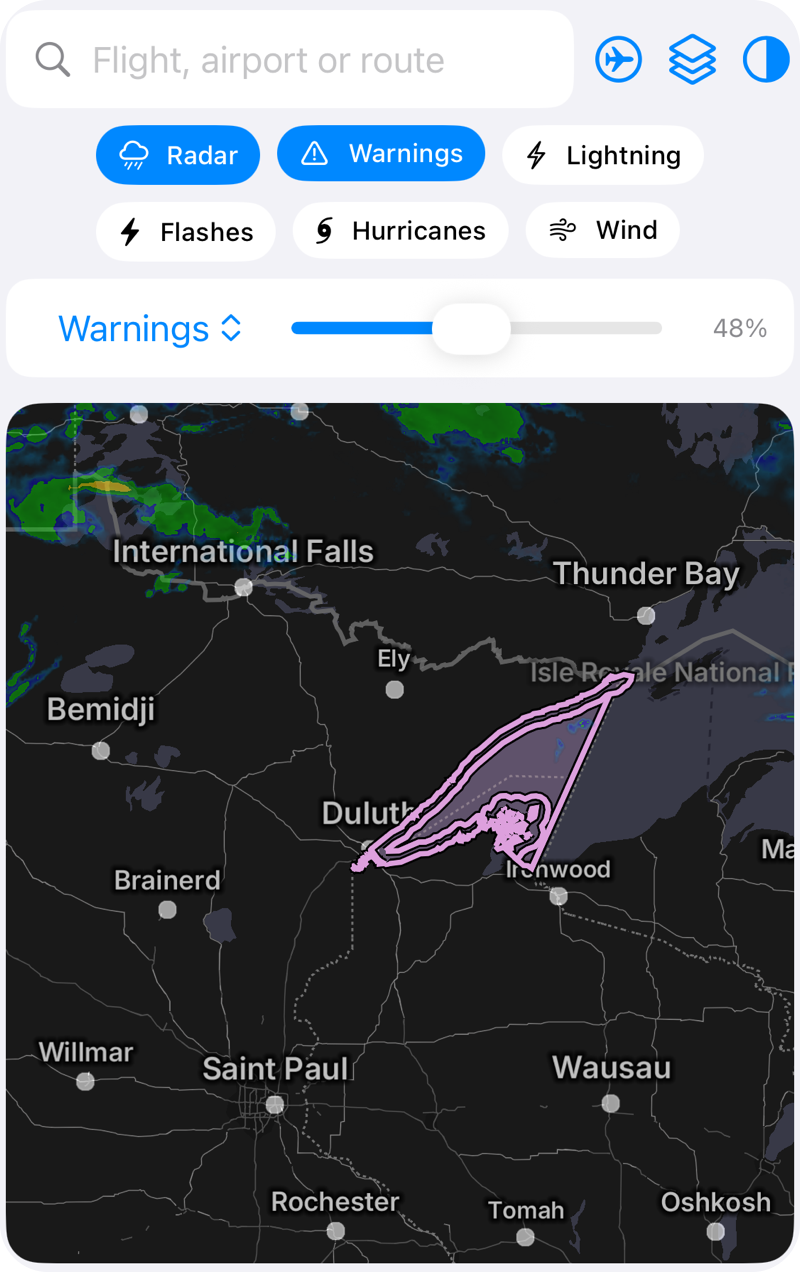
| Watches and warnings | National Weather Service alert polygons, color-coded by type, refreshed every 20 seconds. |
| Lightning | Strike markers synchronized to the radar timeline, plus an optional full-map flash effect. |
| Hurricanes | Storm center, past and forecast track, intensity markers and the forecast cone for every active tropical cyclone. |
| Wind | Animated surface wind particles. |
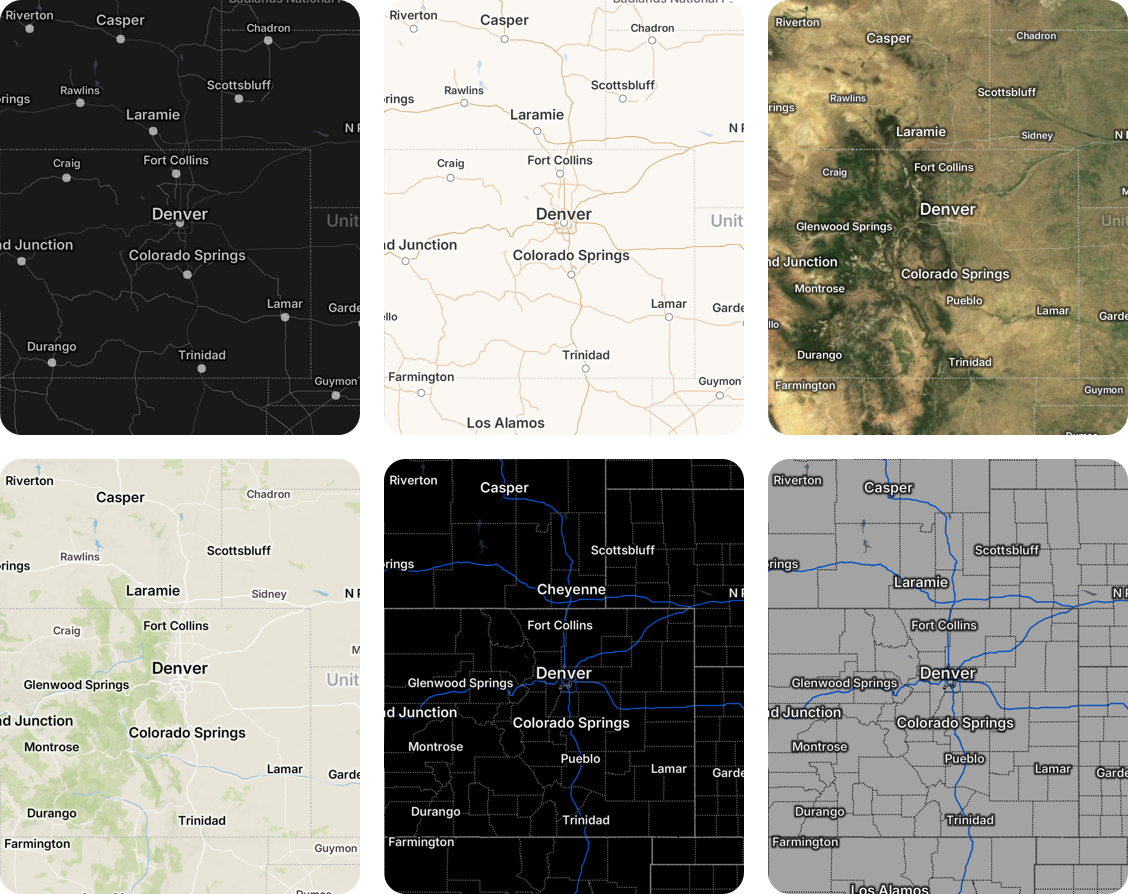
| Six base maps | Gray (built for weather contrast), Roads, Aerial, Topographic, Dark and Light. |
| Your own data | Polylines and markers with rotation and tap callbacks, drawn above the weather layers. |
| Playback control | Play, pause, scrub the timeline, read frame timestamps, and get palette data for a legend. |
| Layer opacity | Radar, warnings, hurricanes and wind each take an opacity from 0 to 1, so weather can sit lightly over your own data or stand out on its own. |
Radar that morphs#
Hurricanes, wind and warnings together#
Pick a base map#
Dial in each layer#
Thirty seconds of code#
import MyRadar_iOS_SDK

// Once, at launch.
MyRadarSDK.configure(apiKey: "<your key>")

// Anywhere in SwiftUI.
MyRadarMap()
    .camera(center: CLLocationCoordinate2D(latitude: 35.2, longitude: -97.4), zoom: 6)
    .overlays([.warnings, .lightning, .hurricanes])
    .radarOpacity(0.5)
    .overlayOpacity(0.8, for: .warnings)
The radar layer is on and playing by default. Rendering starts when the view
appears and stops when it leaves the screen or the app goes to the background.
UIKit apps use MyRadarMapView, a plain UIView with the same capabilities.
How it fits together#
Your app  ──▶  MyRadar iOS SDK (Swift API and Metal rendering engine)
                              │
                              ▼
              MyRadar API gateway (radar tiles, alerts, lightning, cyclones, wind)
The SDK and its rendering engine ship as two XCFrameworks in one Swift package,
MyRadar-iOS-SDK-SPM.
Your app links the MyRadarSDK product and never touches the engine directly. All weather data
comes from MyRadar's gateway over HTTPS and is authenticated with your API key.
Base map tiles come from MyRadar's map servers.
Requirements#
| Minimum | |
|---|---|
| MyRadar API key | Required. Pass it to MyRadarSDK.configure(apiKey:) once at launch; every request to the MyRadar API gateway is authenticated with it. Get one from the developer portal. |
| iOS | 16.6 |
| Xcode | 16 |
| Swift | 5.9 (stable module interface, so newer toolchains work) |
| Devices | iPhone and iPad. Simulator slices for Apple silicon and Intel Macs. |
| Permissions | None. The SDK does not use location services. |
| Network | HTTPS only; no App Transport Security exceptions. |
| Install size | About 6 MB on device; roughly 1.3 MB of App Store download. |
Good to know#
- Smooth morphing needs a regional view. Motion-vector morphing is active at roughly zoom 4 and closer. Whole-continent views cross-fade between frames instead. Whole-number zoom levels are the safe choice when you position the camera in code.
- Attribution is required. Show the entries from
MyRadarMapView.licensesAndAttributionson an about or legal screen. - US coverage first. Alerts are National Weather Service products; radar coverage follows the NEXRAD network with a global estimate blended in offshore.
Next#
Build a flight tracker with the SDK: a one-screen app that searches live flights and draws their real paths over the weather, built entirely with the public API. Its complete source is in the MyRadar SDK samples repository on GitHub. To run it you need Xcode 16, an iOS 17 simulator and your API key; the walkthrough's Run the demo section shows exactly where the key goes.